 GPS Speedometer HUD
Your speed and nearby speed cameras, in one clean display.
Know your speed. See the cameras ahead. A GPS speedometer app for iPhone with known speed cameras on a live map.

A speedometer app built for the phone mount
Big digits, a live speed camera map and alerts you can hear. Easy to read in the car, day or night.
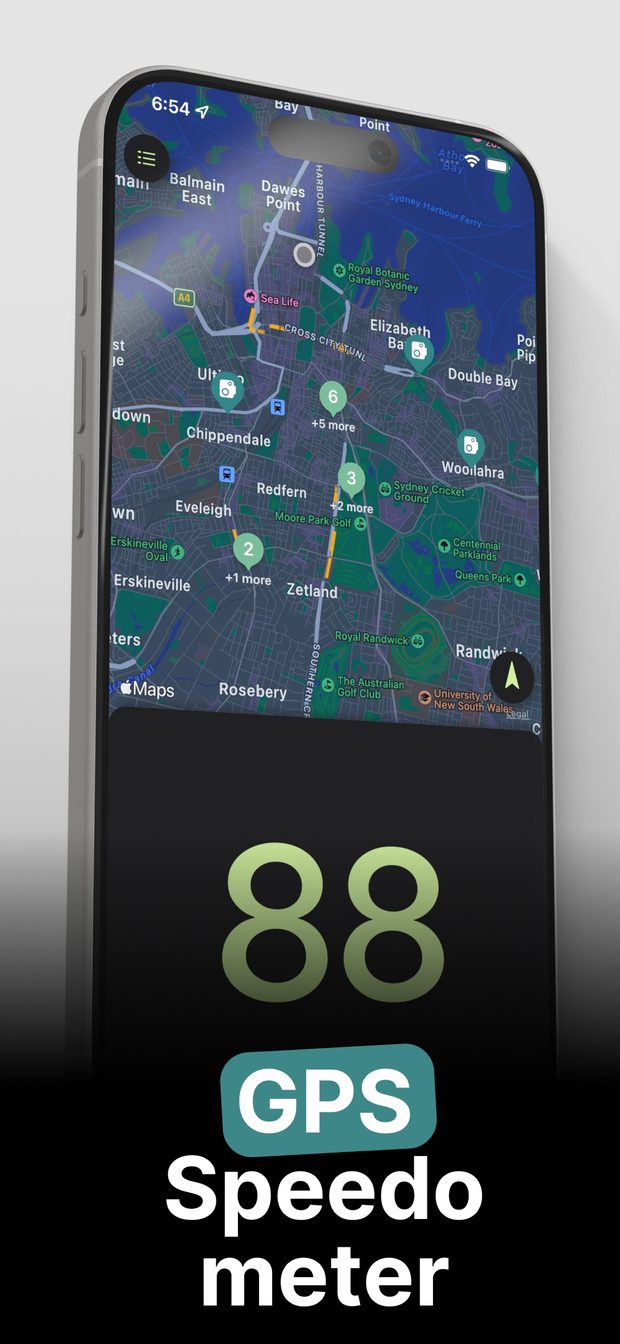
Big, glanceable speed
A large digital readout shows your GPS speed. One glance and your eyes are back on the road.
Speed cameras on the map
See known speed cameras near you on a live map, drawn from OpenStreetMap data.
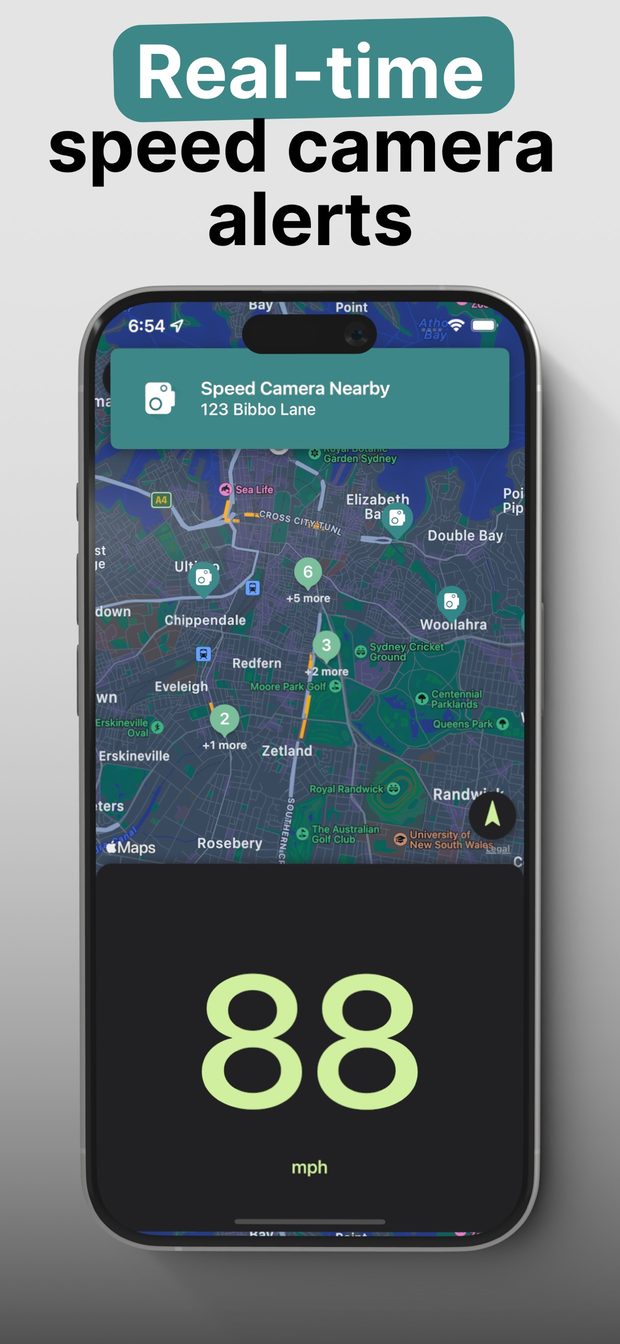
Alerts as you approach
Turn on alerts and the app warns you as you near a speed camera. With Pro, Background Alerts keep working while the app is not on screen.
Heading at a glance
A clear compass heading shows which way you are travelling.
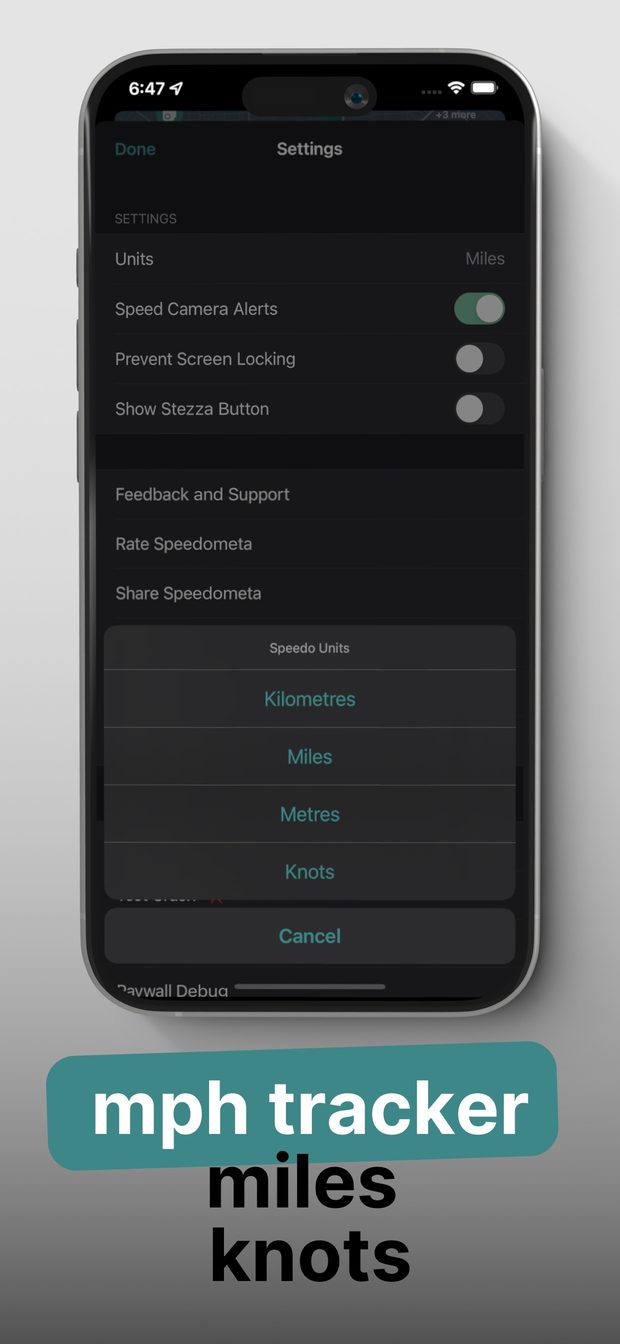
Your units, your way
Switch between mph and km/h. Keep the screen awake so your speed stays in view.
Easy to read, day or night
A dark, high-contrast layout stays clear in bright sun and after dark.
See it in action
The digital speedometer, the speed camera map and the units settings, as shown on the App Store.
Frequently asked questions
Is GPS Speedometer HUD free?
Yes. It is free to download and use. Speedometer HUD Pro, an optional subscription, adds Background Alerts.
Where does the speed camera data come from?
From OpenStreetMap, a community map project, under the ODbL licence. Coverage depends on the data in your area.
Do the camera alerts work in the background?
Yes, with Speedometer HUD Pro. Turn on Background Alerts in Settings and allow location access Always. Without Pro, alerts work while the app is open and on screen.
How accurate is the speed?
Speed comes from your iPhone GPS. It is a close estimate, not a certified reading. Always follow your car speedometer and the road signs.
Does it need an internet connection?
GPS speed works without data. The map and the camera data need a connection to load.
Which devices are supported?
iPhone, iPad and iPod touch on iOS 13 or later.
Keep your speed and the cameras in clear view
Download GPS Speedometer HUD, free on the App Store for iPhone.